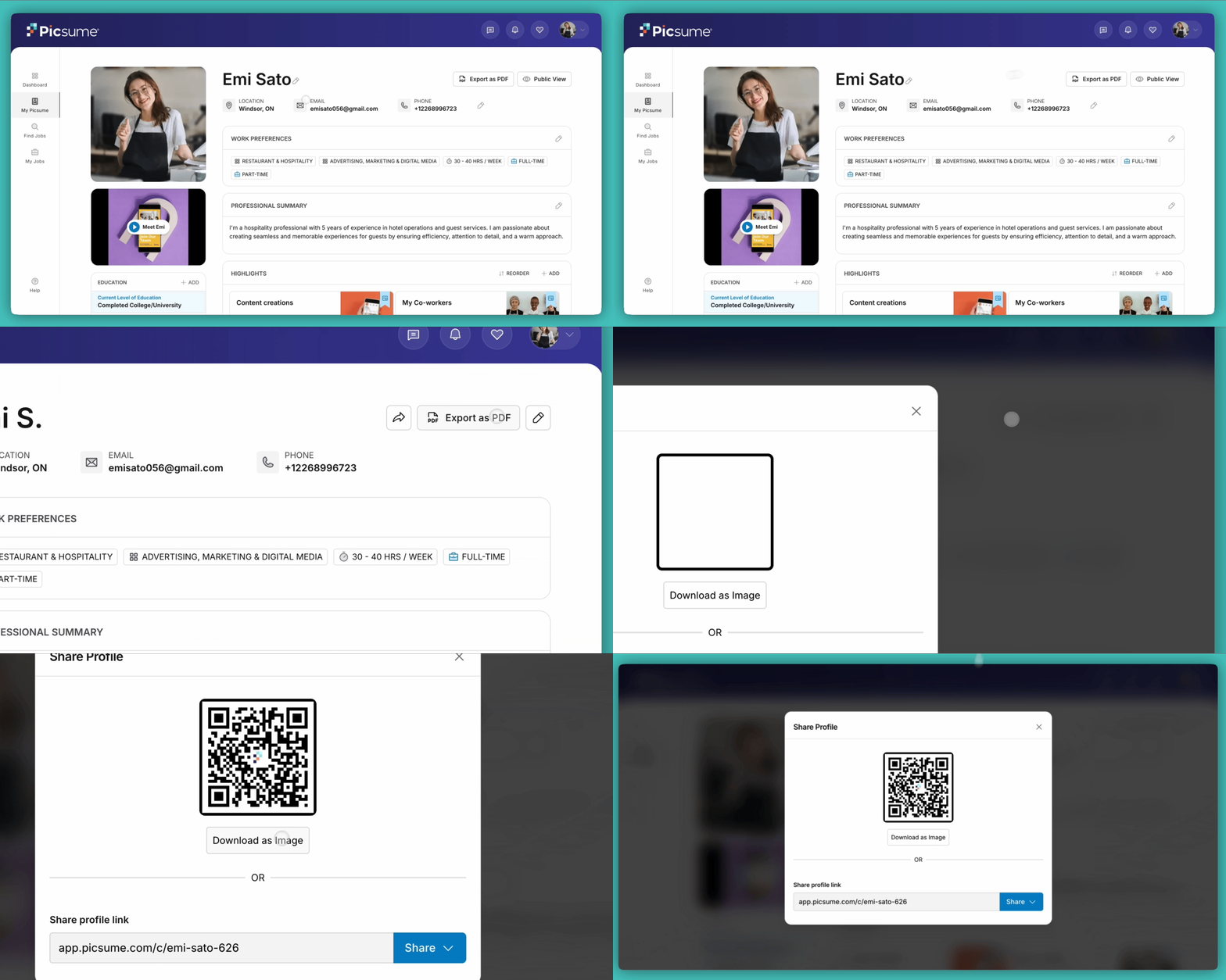
On the top right of your profile, you can see two buttons with a share and print symbol. The share button generates a QR Code and a URL link to share your profile, and the print button generates a downloadable and printable PDF file for you.Your QR Code is a handy tool that provides a convenient way for potential employers, recruiters, or networking contacts to access your profile quickly when you meet them at an event or gathering.
If you want to change your profile URL, you can do so by going to Settings > My Account and editing the ‘Username’ field
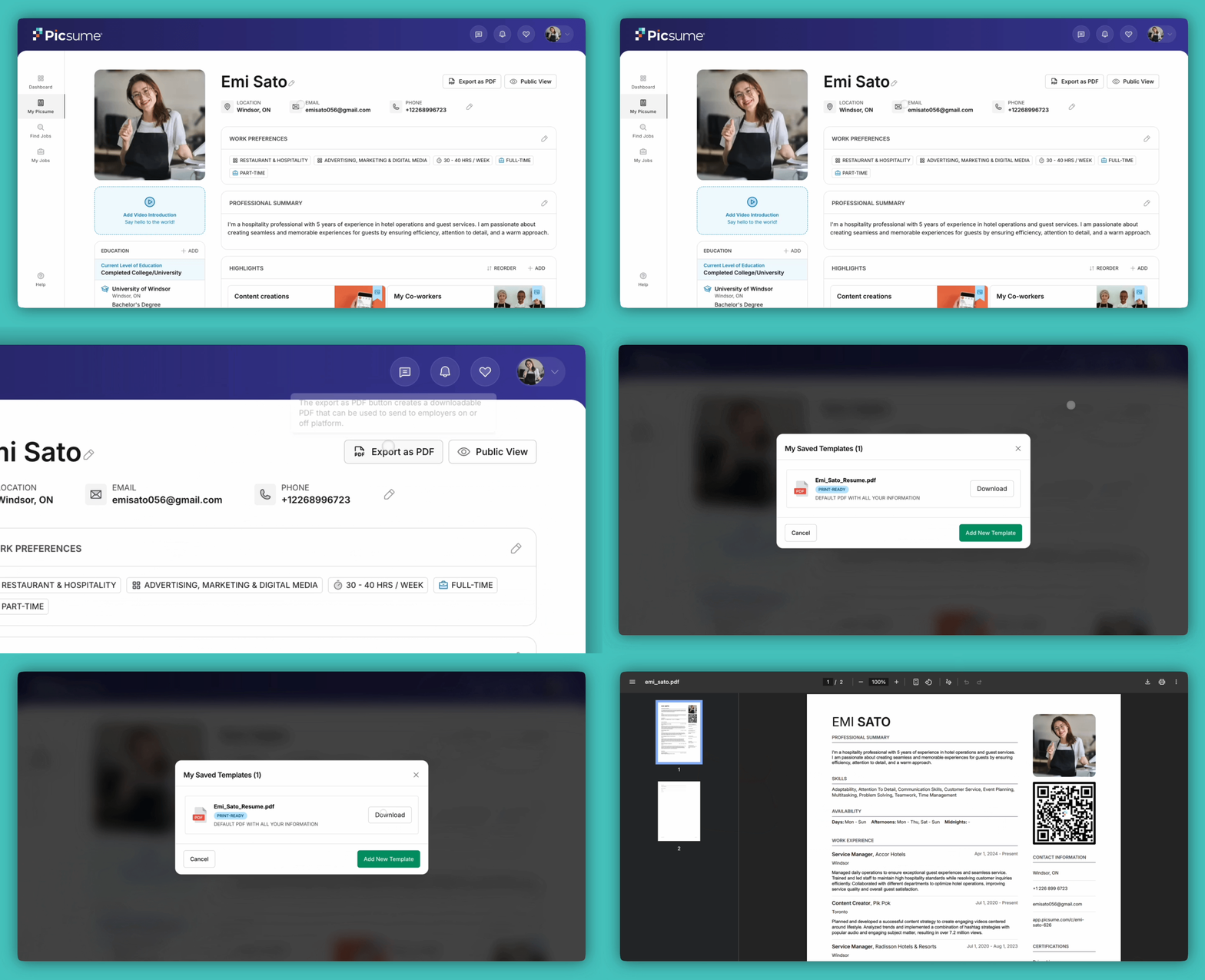
Export as PDF allows you to create and download professionally formatted resumes from your Picsume profile for opportunities outside of Picsume. Create multiple resume templates in minutes without recreating or reformatting your information.When applying through online application forms or Applicant Tracking Systems (ATS), select the AI Friendly template format to help ensure your resume is accurately read and processed.We continuously research and refine our resume formatting to maximize compatibility with evolving ATS and AI technologies, improving the likelihood that your resume is successfully parsed and reviewed.