
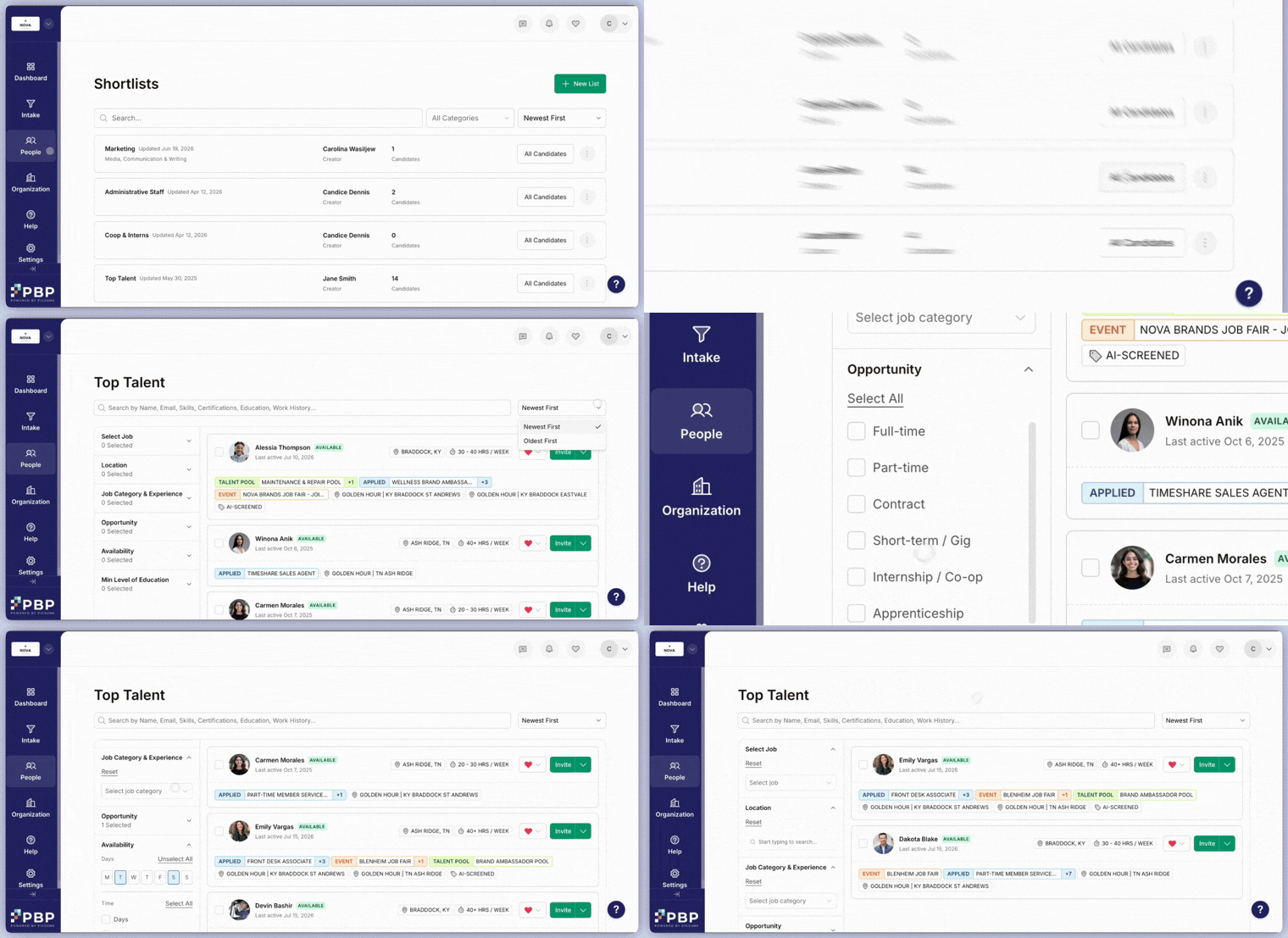
- Track strong candidates
- Build pipelines for priority or seasonal roles
How to Create
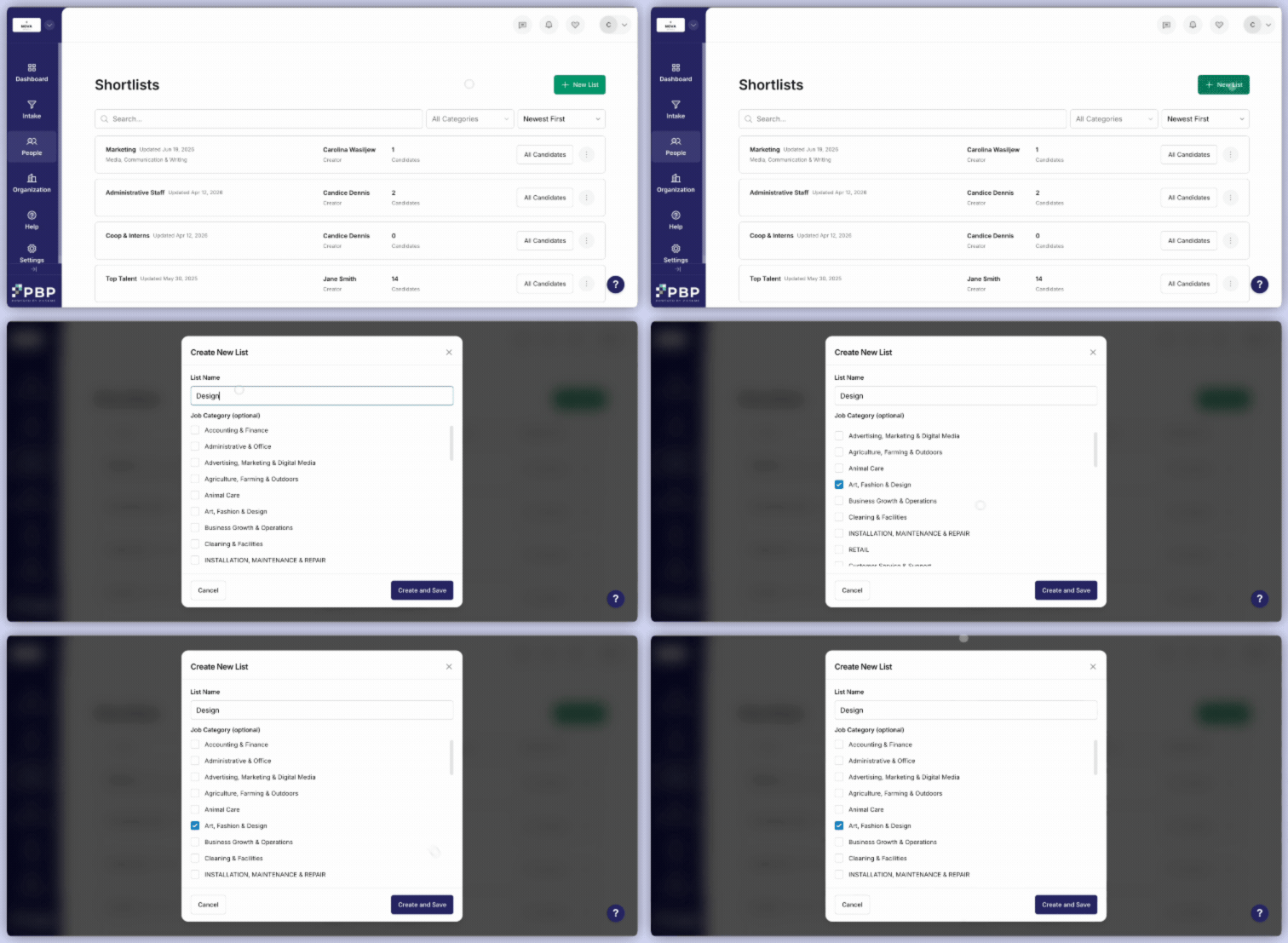
- When you are looking at candidates, there will always be a heart button on the right side of their card. Click the heart to add the candidate to any of your lists. You can add them to as many lists as you would like.
- Additionally, you are able to create new lists directly within that window, avoiding the need to navigate back to the Shortlists menu to do so.
- After you create a list, you are able to access it within the Candidate Hub and use it as a filter. If you click on Find More Candidates to navigate to the Search Candidates menu, you can also use it as a filter there.
- Contact candidates
- Assign them to jobs
- Retain for future opportunities