
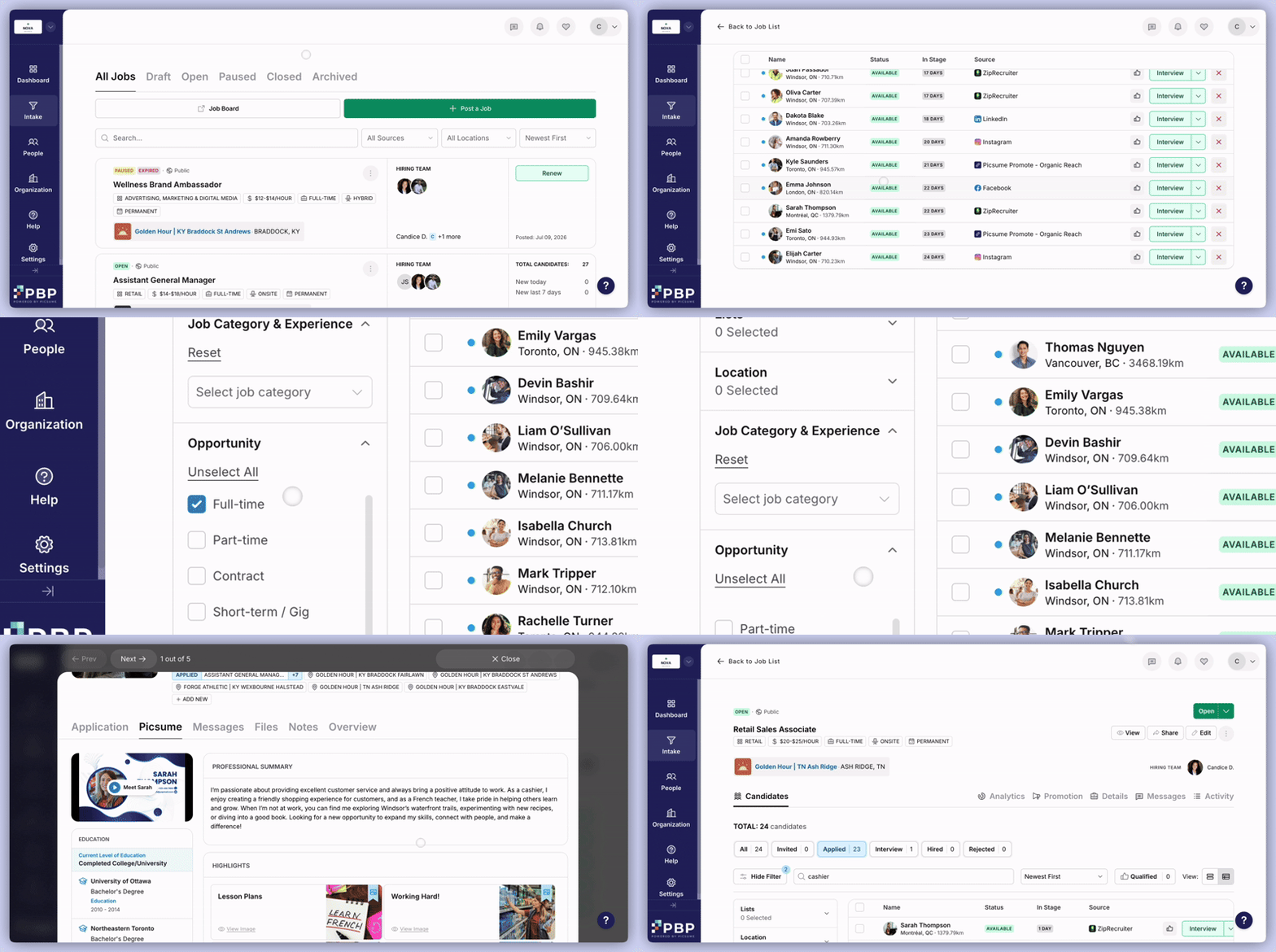
- Once in the job, Show Filters allows you to filter by various categories, or search specific criteria directly in the search bar.
- Click on a candidate’s name or picture to view their application by navigating through these tabs:
- Overview: The candidate’s activity with your organization, including the Jobs, Talent Pools, and Events they have engaged with.
- Picsume: The full profile of the candidate.
- Messages: All communication with the candidate that is linked to the job posting.
- Files: Any files associated with the candidate.
- Notes: Write notes about the candidate, or see any notes that have been left by your colleagues.