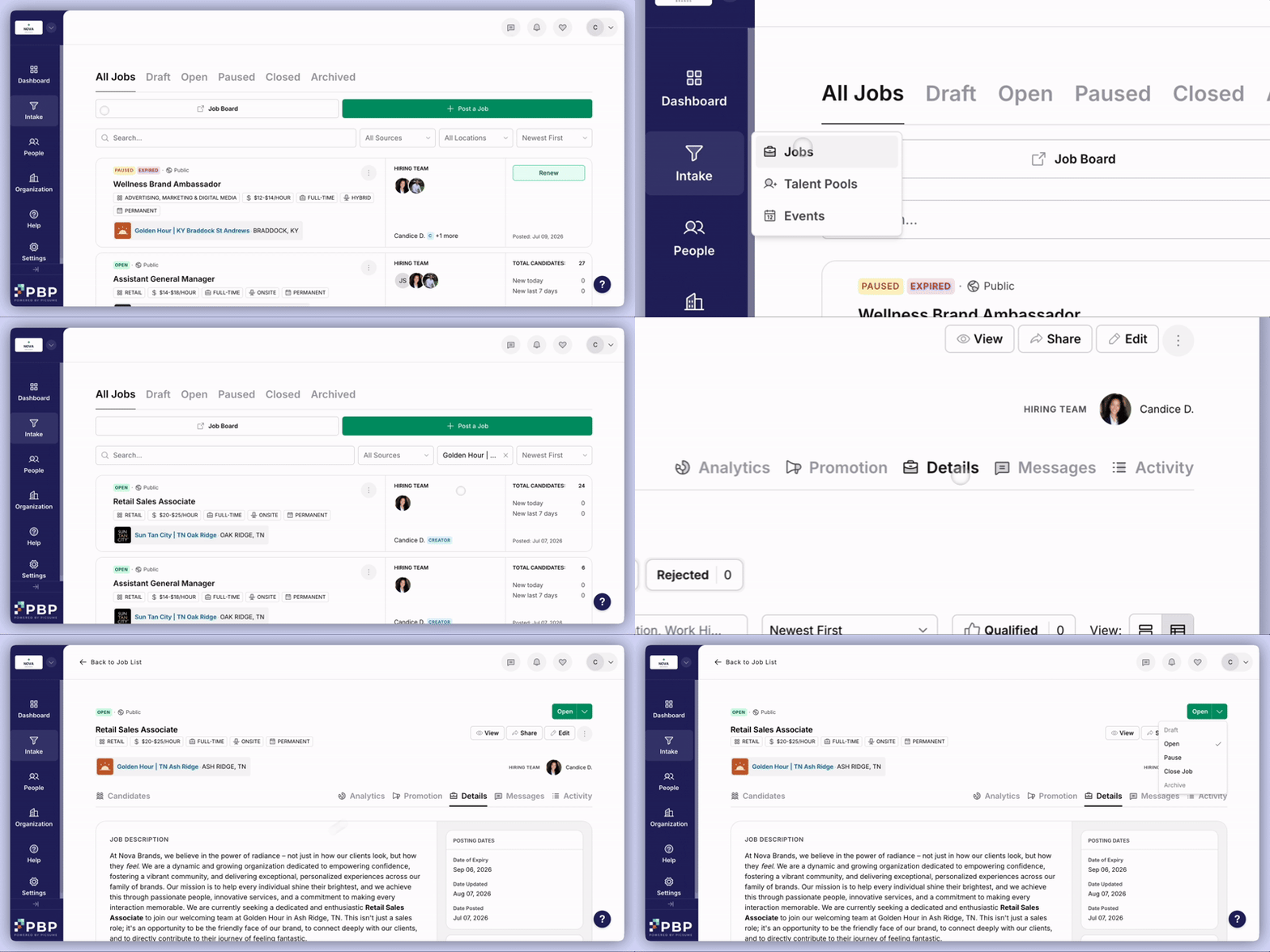
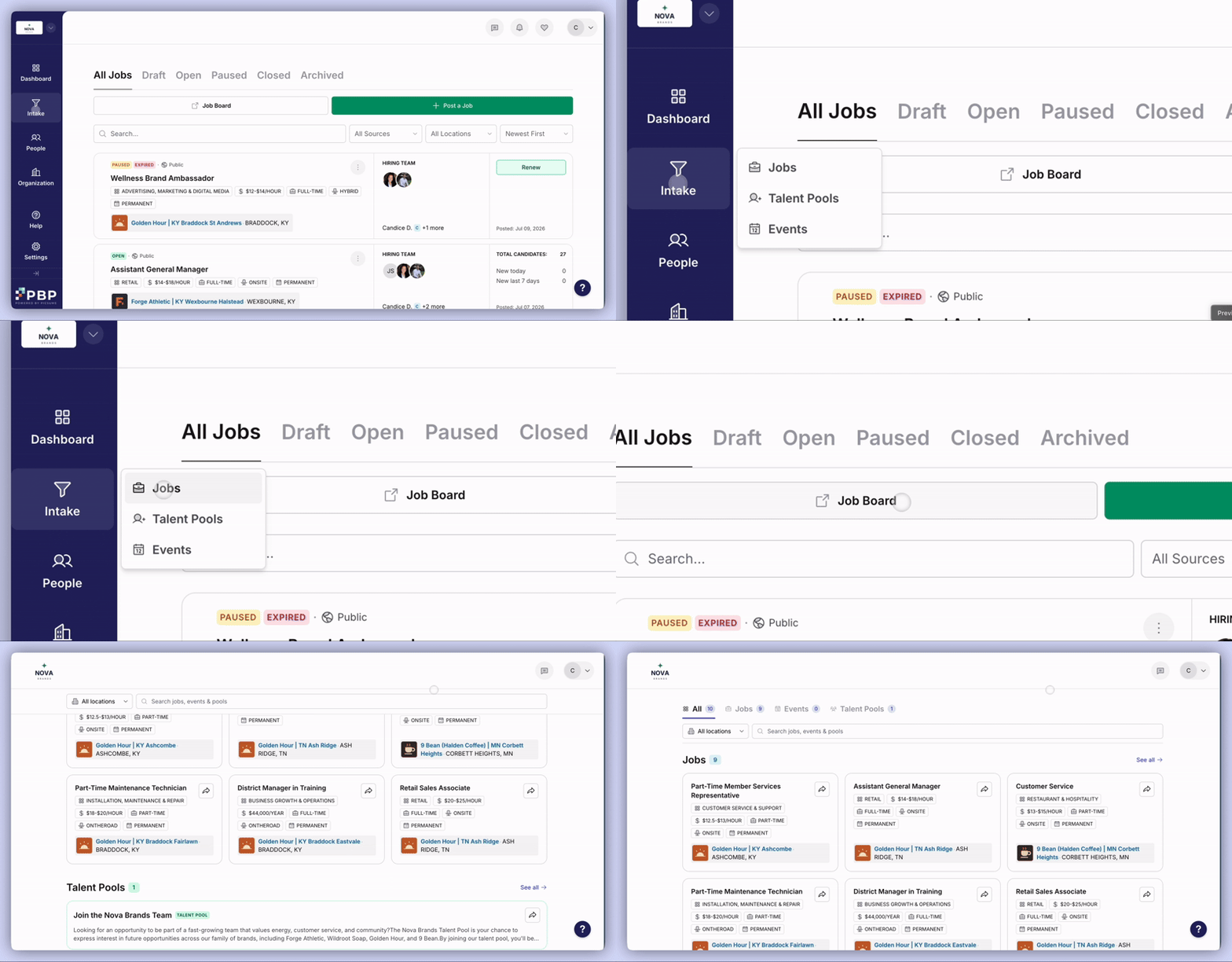
Manage all active and past job postings.Navigate to Intake > Jobs and filter by:
Location
Job status
Access jobs from the Jobs list or via Locations on the Dashboard.To view a job as candidates see it, open the job and select View, or access it through the Job Board in the top navigation.
Being logged in as an employer, you will not see the Apply button on job postings. The button will be visible if you log out, or if you open the job link in an incognito tab.
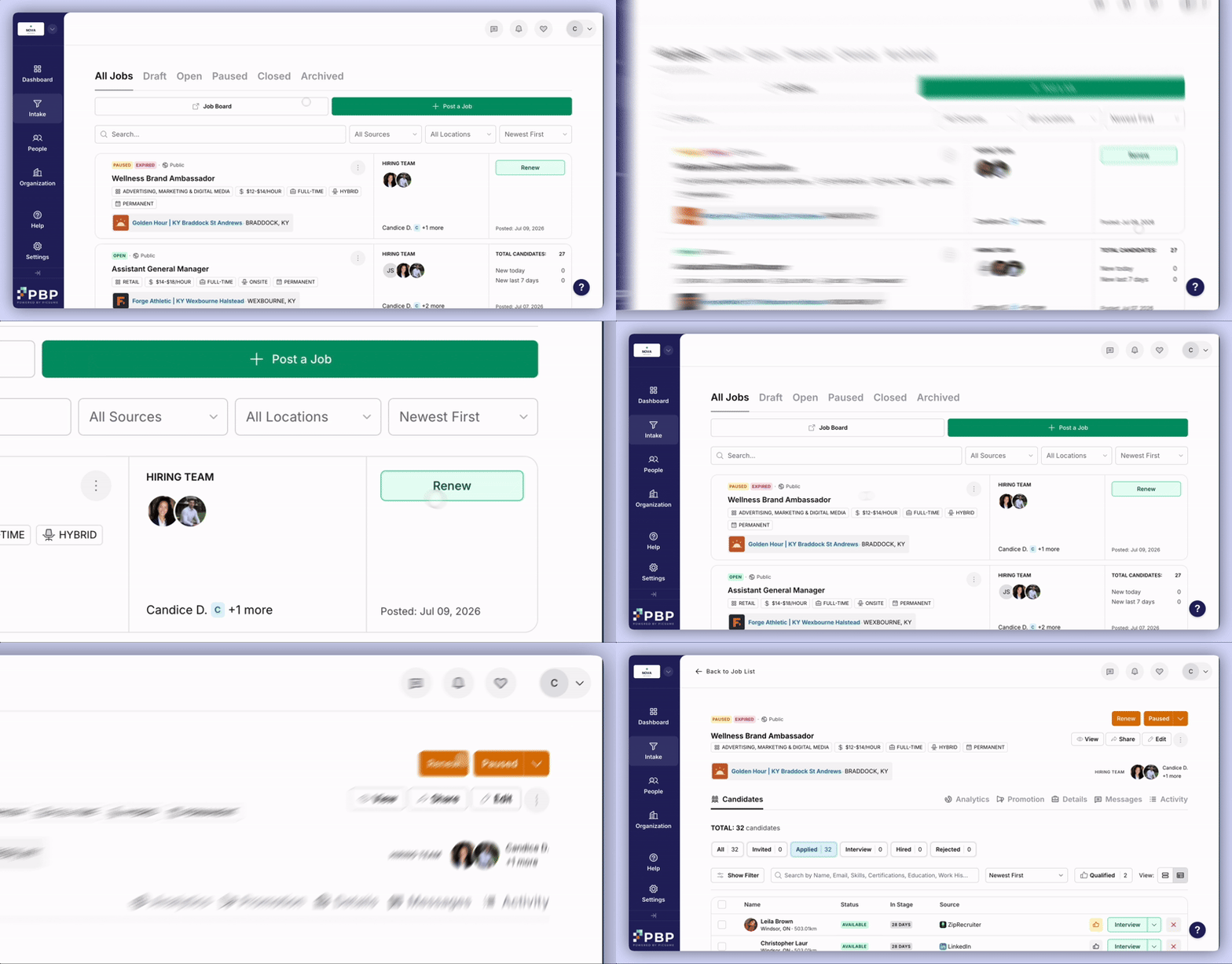
Monitor job expiry dates and renew postings as needed.